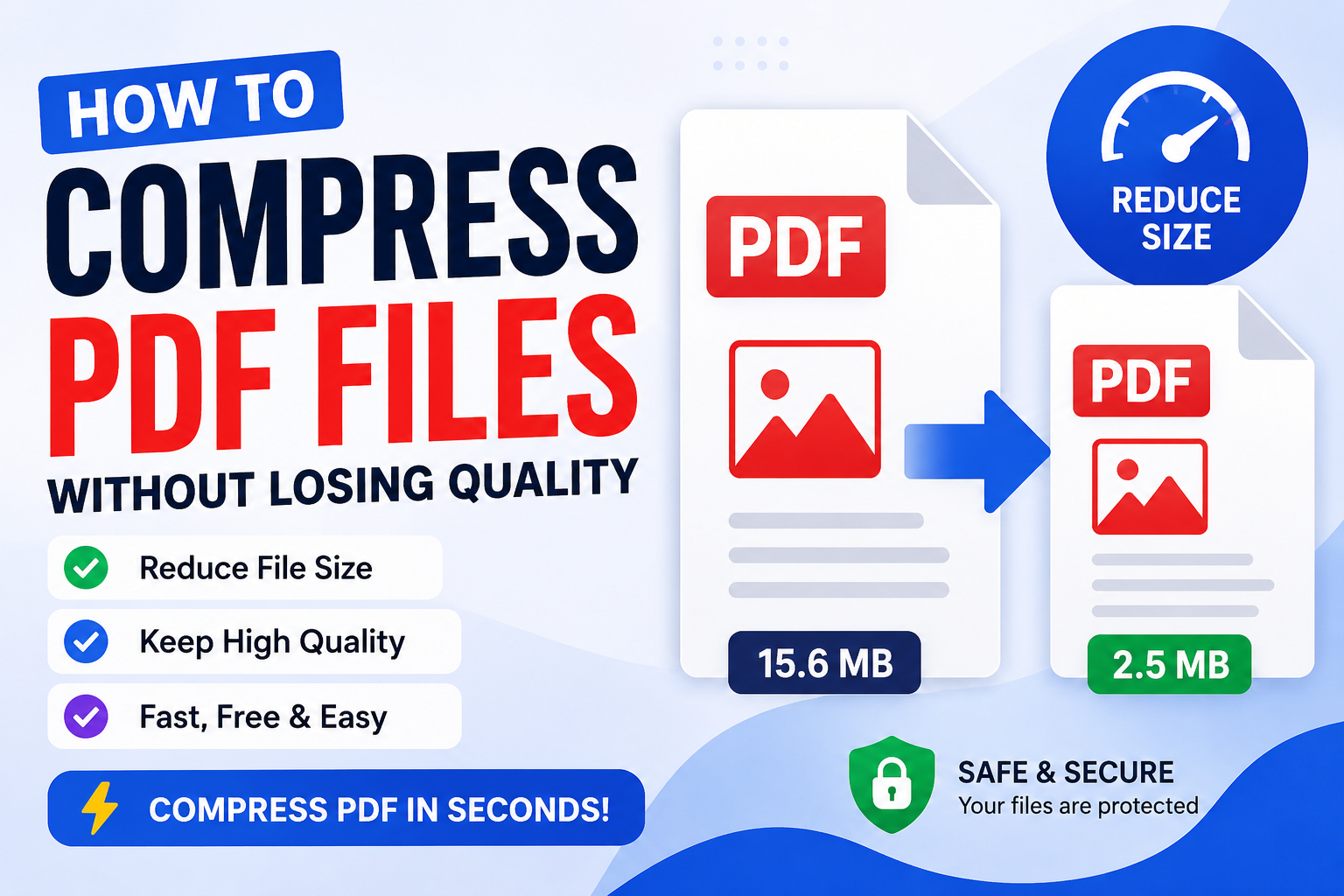
How to Compress PDF Files Without Losing Quality
PDF files are widely used for sharing documents because they preserve formatting across different devices. However, large PDF files can be difficult to email, upload, or store. Fortunately, you can compress PDF files to reduce their size while maintaining excellent quality. In this guide, you'll learn how PDF compression works, why it is useful, and how to compress PDF files without noticeably affecting their appearance.
What Is PDF Compression?
PDF compression is the process of reducing the file size of a PDF document without significantly affecting its readability or visual quality. Compression removes unnecessary data and optimizes images, fonts, and document structure while keeping the content intact.
Why Compress PDF Files?
Reducing PDF file size provides several benefits:
- Faster file uploads and downloads.
- Easier sharing through email and messaging apps.
- Reduced storage space on your computer or cloud storage.
- Improved website performance when offering downloadable PDFs.
- Faster document processing.
Common Reasons PDFs Become Too Large
Large PDF files are often caused by:
- High-resolution images.
- Scanned documents.
- Embedded fonts.
- Multiple graphics and illustrations.
- Large numbers of pages.
- Unoptimized PDF creation settings.
How to Compress a PDF Online
Using Service Hub, compressing a PDF is quick and simple.
- Open the PDF Compressor tool.
- Click the upload button.
- Select the PDF file you want to compress.
- Choose your preferred compression level if available.
- Click Compress PDF.
- Wait while the file is processed.
- Download your optimized PDF.
Will Compression Reduce Quality?
A properly optimized PDF compressor reduces file size while preserving document quality. Text remains sharp, formatting stays intact, and images retain their clarity in most cases.
Very aggressive compression may slightly reduce image quality, but for everyday documents, the difference is usually difficult to notice.
Tips to Compress PDFs Without Losing Quality
- Use medium compression instead of maximum compression.
- Start with high-quality source documents.
- Remove unnecessary blank pages.
- Delete unused images or attachments.
- Avoid repeatedly compressing the same PDF.
- Optimize scanned documents before converting them to PDF.
Who Can Benefit from PDF Compression?
Students
Students can upload assignments faster and meet file size limits required by schools and universities.
Businesses
Businesses can share reports, invoices, contracts, and presentations more efficiently while saving storage space.
Teachers
Teachers can distribute learning materials that are easier for students to download.
Freelancers
Freelancers can send proposals, portfolios, invoices, and project files quickly without exceeding email attachment limits.
When Should You Compress a PDF?
You should compress PDFs when:
- Uploading files to websites.
- Sending email attachments.
- Sharing documents through messaging apps.
- Archiving large collections of documents.
- Improving website download speeds.
Is Online PDF Compression Safe?
Choose trusted online PDF tools that use secure HTTPS connections and clearly explain how uploaded files are handled. Before uploading sensitive documents, review the website's Privacy Policy and ensure the service follows good security practices.
Why Choose Service Hub?
Service Hub provides fast and user-friendly online tools designed to simplify everyday tasks. Our PDF tools are easy to use, require no software installation, and work directly in your browser.
- Simple interface
- Fast processing
- Works on desktop and mobile
- No software installation
- Many free PDF, image, and file tools
Frequently Asked Questions
Can I compress PDFs for free?
Yes. Service Hub allows you to reduce PDF file sizes quickly without installing additional software.
Will my text become blurry?
No. Text usually remains clear because PDF compression primarily optimizes images and unnecessary data.
Can I compress scanned PDFs?
Yes. Scanned PDFs can often be compressed significantly, although the final reduction depends on the quality and content of the scan.
Does PDF compression change the formatting?
A good PDF compressor preserves the document's layout, fonts, and formatting while reducing file size.
Conclusion
Compressing PDF files is one of the easiest ways to save storage space, speed up file sharing, and improve productivity. Whether you're a student, business owner, teacher, or freelancer, reducing PDF file sizes makes documents easier to manage without sacrificing quality.
Try the PDF Compressor on Service Hub and optimize your documents quickly, securely, and conveniently.
Comments (0)
Leave a Comment