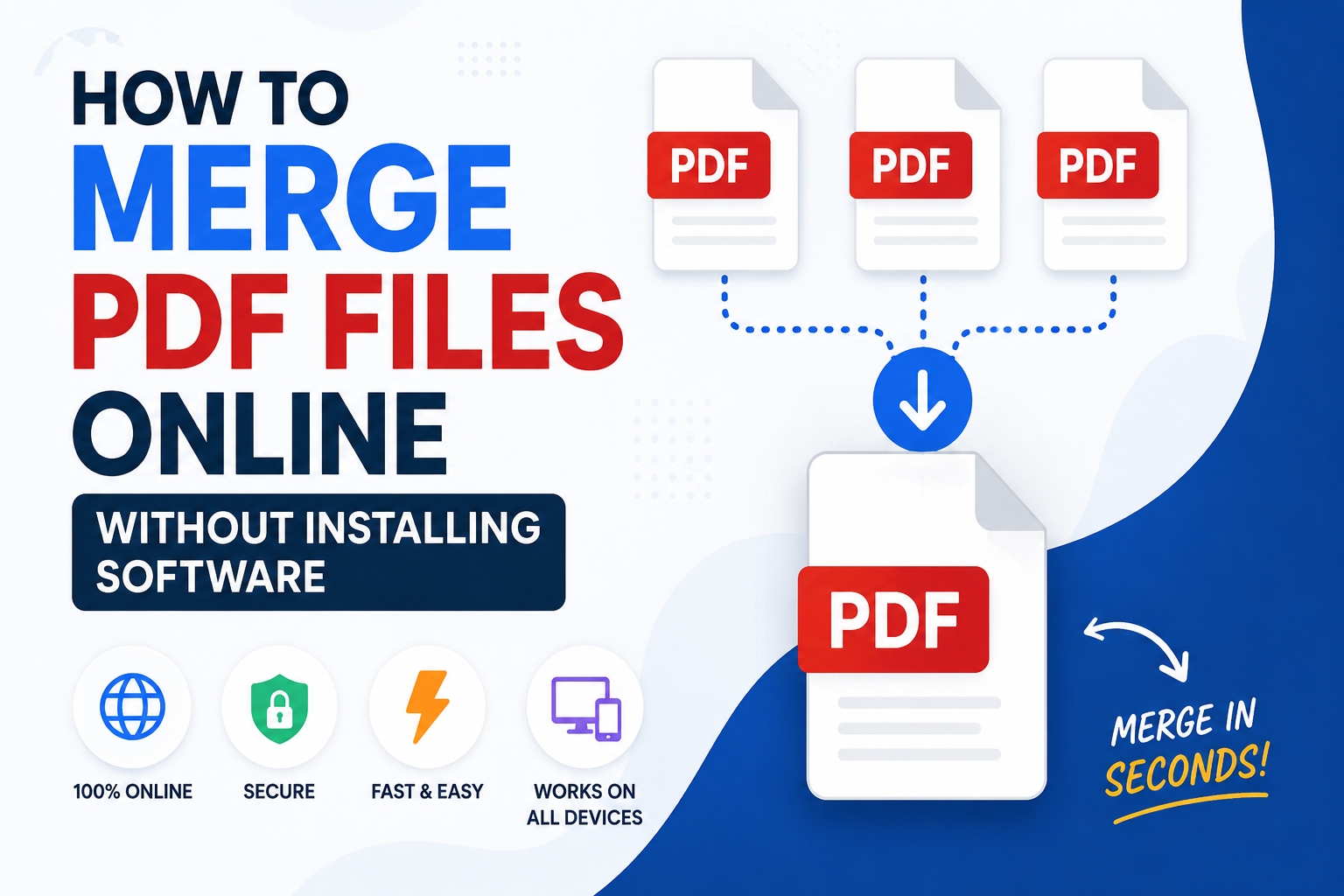
Managing multiple PDF files can quickly become inconvenient, especially when you need to send reports, submit assignments, or organize business documents. Fortunately, you do not need to install expensive software or complicated desktop applications to combine PDF files. With modern online PDF tools, you can merge multiple PDF documents into a single file in just a few clicks.
Why Merge PDF Files?
Merging PDF files helps keep your documents organized and easier to share. Instead of sending multiple files separately, you can combine them into one professional document.
People commonly merge PDFs for:
- Combining reports into one file
- Joining scanned documents
- Creating project portfolios
- Merging invoices and receipts
- Submitting assignments or applications
- Organizing legal or business documents
Benefits of Using an Online PDF Merger
Using an online PDF merger offers several advantages over installing desktop software.
No Installation Required
You can merge PDFs directly from your browser without downloading or installing any software.
Works on Any Device
Online PDF tools work on Windows, macOS, Linux, Android, and iPhone. As long as you have a web browser and an internet connection, you can access the tool.
Fast and Easy
Most online PDF mergers allow you to combine files within seconds using a simple upload interface.
Saves Storage Space
Since the process takes place online, you do not need to use valuable storage space for large desktop applications.
How to Merge PDF Files Online
Using the PDF Merger on Service Hub is simple:
- Open the PDF Merger tool on Service Hub.
- Click the upload button.
- Select the PDF files you want to combine.
- Arrange the files in your preferred order.
- Click the Merge PDF button.
- Wait while the files are processed.
- Download your newly merged PDF document.
The entire process usually takes less than a minute, depending on the number and size of the files.
Is It Safe to Merge PDFs Online?
Security is important when working with personal, academic, or business documents.
When choosing an online PDF tool, look for features such as:
- A secure HTTPS connection
- Automatic file processing
- Limited or temporary file storage
- Clear privacy information
You should avoid uploading highly confidential documents unless you trust the website and understand how it handles uploaded files.
Common Uses for PDF Merging
For Students
Students can combine assignments, research papers, scanned notes, and supporting documents into one file before submission.
For Businesses
Businesses often merge invoices, contracts, reports, and presentations before sharing them with clients or team members.
For Teachers
Teachers can combine worksheets, lesson plans, reading material, and study guides into a single downloadable document.
For Freelancers
Freelancers can merge portfolios, proposals, invoices, and project documentation before sending them to clients.
Tips for Better Results
- Arrange your files in the correct order before merging.
- Remove unnecessary or duplicate documents.
- Check that every PDF opens correctly.
- Compress very large files if necessary.
- Review the final PDF before sharing or submitting it.
Why Use Service Hub?
Service Hub provides a simple collection of online tools for PDF files, images, documents, text, and data conversion.
With Service Hub, you can:
- Merge PDF files online
- Use tools without installing software
- Access the website from desktop and mobile devices
- Work with a simple and easy-to-use interface
- Explore other free online tools
Conclusion
Merging PDF files online is an easy way to organize and share documents. Instead of installing desktop software, you can combine multiple PDF files directly in your browser.
Whether you are a student, teacher, freelancer, or business owner, an online PDF merger can save time and simplify document management.
Try the PDF Merger on Service Hub to combine your PDF files quickly and conveniently.
Comments (0)
Leave a Comment